TL;DR: Which AI tools should a small business pay for?
AI tools for small business pay off when you buy one tool per job, only for the people who do that job. For a team of 2 to 20: one assistant for everyone (Claude Team at €18 or ChatGPT Business at €21 per seat a month), AI inside the CRM (Pipedrive from €14, or HubSpot free), a support agent paid per solved conversation (Intercom Fin from $0.99), a free note-taker (Fathom), receipt capture (Dext) and one automation tool (Make from $9).
A 5-person team can start at €36 a month; the full stack costs about €484 plus a few dollar and pound subscriptions (our calculation, annual billing, excluding VAT). All prices come from vendor pricing pages, checked on 24 October 2026.
One in five EU companies with 10 or more people used AI in 2025, according to Eurostat, and among small firms the share was only 17%. Price is the smallest barrier: an assistant seat costs about as much as a team lunch.
I have built several companies with small teams, and I judge every AI subscription with one question: does this seat give back more hours than it costs within a month? This guide covers 14 paid tools a team of 2 to 20 people actually uses, grouped by job, with the real price, who each fits and where the bill grows. If you work alone, my stack of AI tools for solo founders fits you better. For the daily routine behind the biggest seat on this list, read my guide to ChatGPT for business: 15 workflows a small company runs on it, with prompts and a time and cost planner.
How many small businesses actually use AI tools?
Fewer than the hype suggests. In Eurostat's 2025 survey of EU companies with at least 10 people, 19.95% used at least one AI technology, up from 13.48% in 2024: 17% of small enterprises, 30.36% of medium ones and 55.03% of large ones.
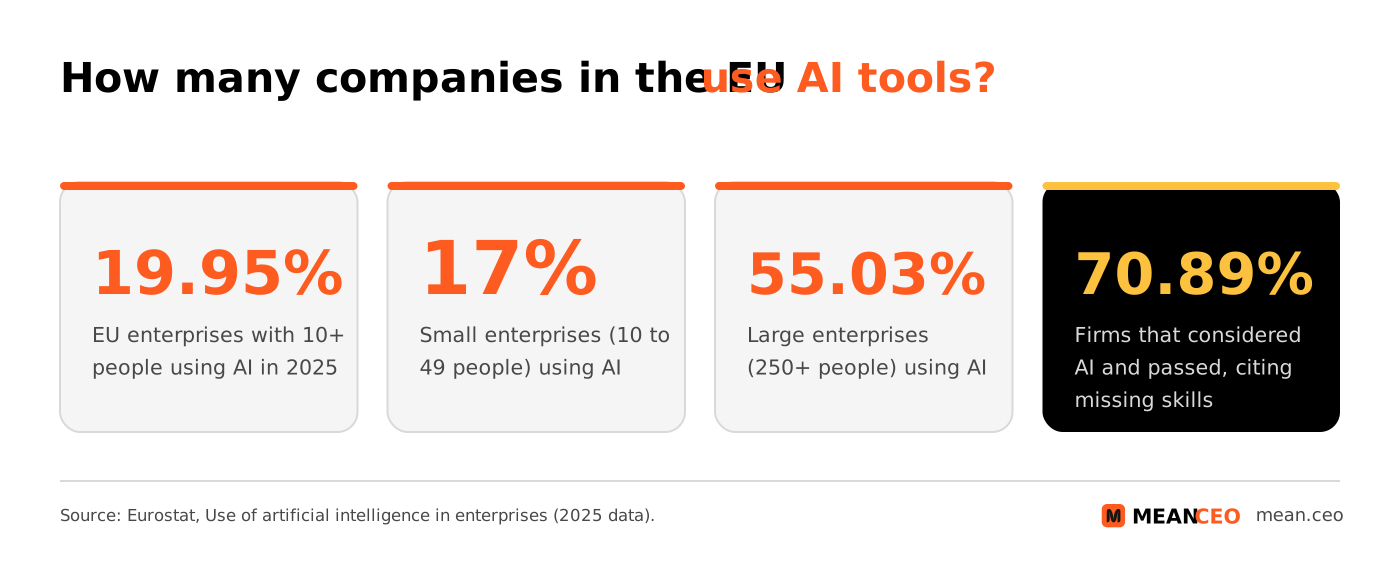
Among companies that considered AI and still said no, 70.89% named a lack of relevant skills, 52.52% unclear legal consequences and 48.83% data protection worries. Only 20.68% called AI not useful. Users put it to work on marketing or sales (34.70%) and business administration (31.05%) first.
Good news for a small team: the skills gap closes with one tool per job and a one-page policy, and the legal worry shrinks once you pick business plans that keep your data out of model training.
Which AI tools does a small business need, job by job?
The 14 tools in this guide with the cheapest paid entry point on each vendor's pricing page. Seat prices are per person per month on annual billing, in the currency the vendor bills.
Sources: vendor pricing pages (Microsoft for Ireland, Xero and Dext for the UK), checked 24 October 2026. Prices exclude VAT.
Which general AI assistant should a small team pay for?
Buy this first, and buy one for the whole team. A business plan gives you admin control, one bill and a written promise that your data stays out of model training; personal free accounts give you none of that.
1. ChatGPT Business: the safe default for mixed teams
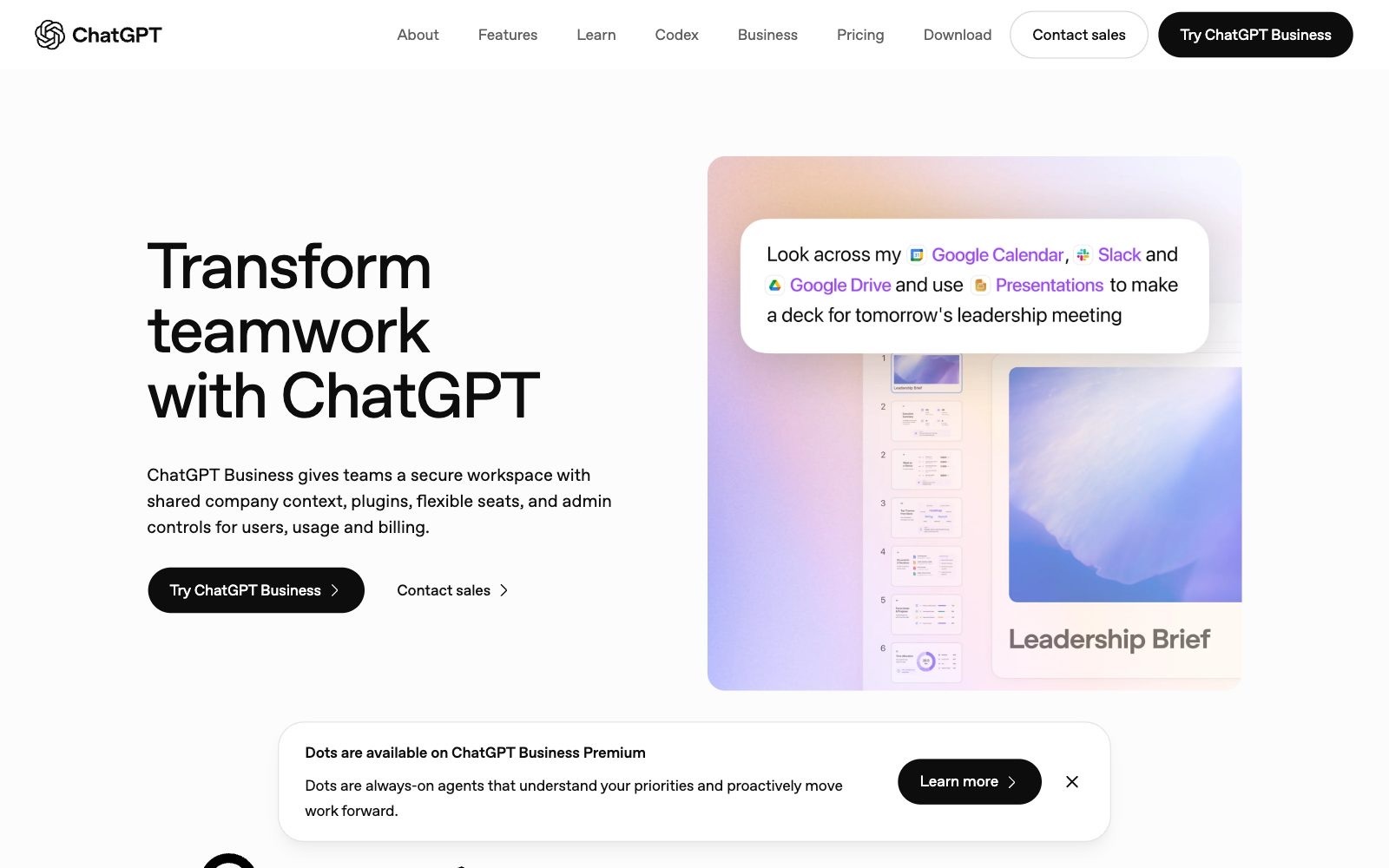
ChatGPT Business gives your team a shared workspace that connects to Google Workspace, Slack, GitHub and Microsoft 365, with SAML single sign-on and multi-factor login. OpenAI states it does not train on your business data by default. It covers teams of 2 to 200 and lets you mix seat types.
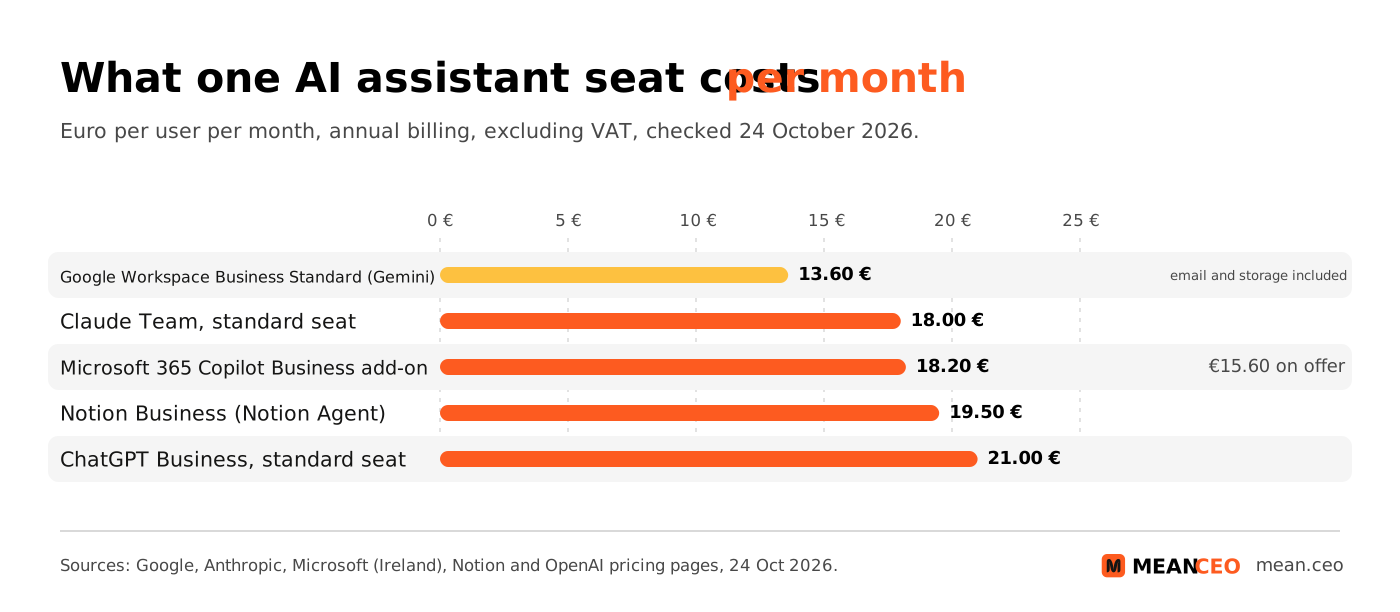
- Price (checked 24 Oct 2026): Standard seat €21 a month billed annually or €26 monthly. Premium seat €105 a month billed annually, with five times the usage.
- Who it fits: teams where sales, operations and marketing all need one assistant.
- Watch out: give Premium only to the person who hits the limits: one Premium seat in a team of five makes €189 a month, five Premium seats €525 (our calculation). If you are torn between assistants, read my Google Gemini vs ChatGPT comparison for startup operations.
2. Claude Team: the assistant for writing, analysis and code
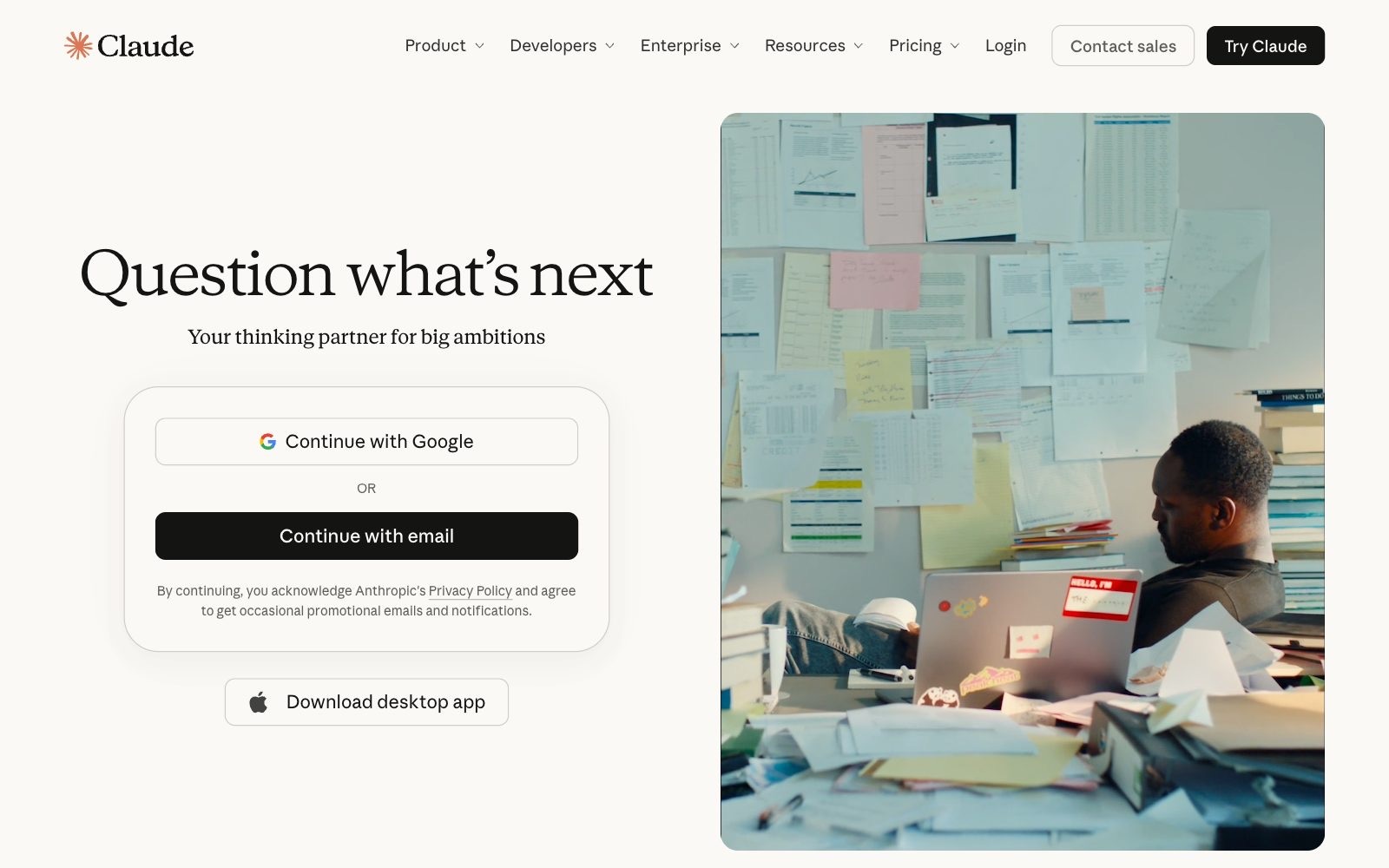
Claude Team includes Claude Code and Claude Cowork, a Microsoft 365 connection, enterprise search, single sign-on and central billing for teams of 2 to 150. Anthropic states it does not train models on your content by default.
- Price (checked 24 Oct 2026): Standard seat €18 a month billed annually or €21.04 monthly. Premium seat €90 billed annually, with five times the usage.
- Who it fits: teams that write long proposals and reports, and teams with a developer, because Claude Code comes with the seat.
- Watch out: usage limits apply to every seat. Start on standard seats with monthly billing and move only the heaviest user to Premium.
3. Microsoft 365 Copilot Business: for teams that live in Outlook and Excel
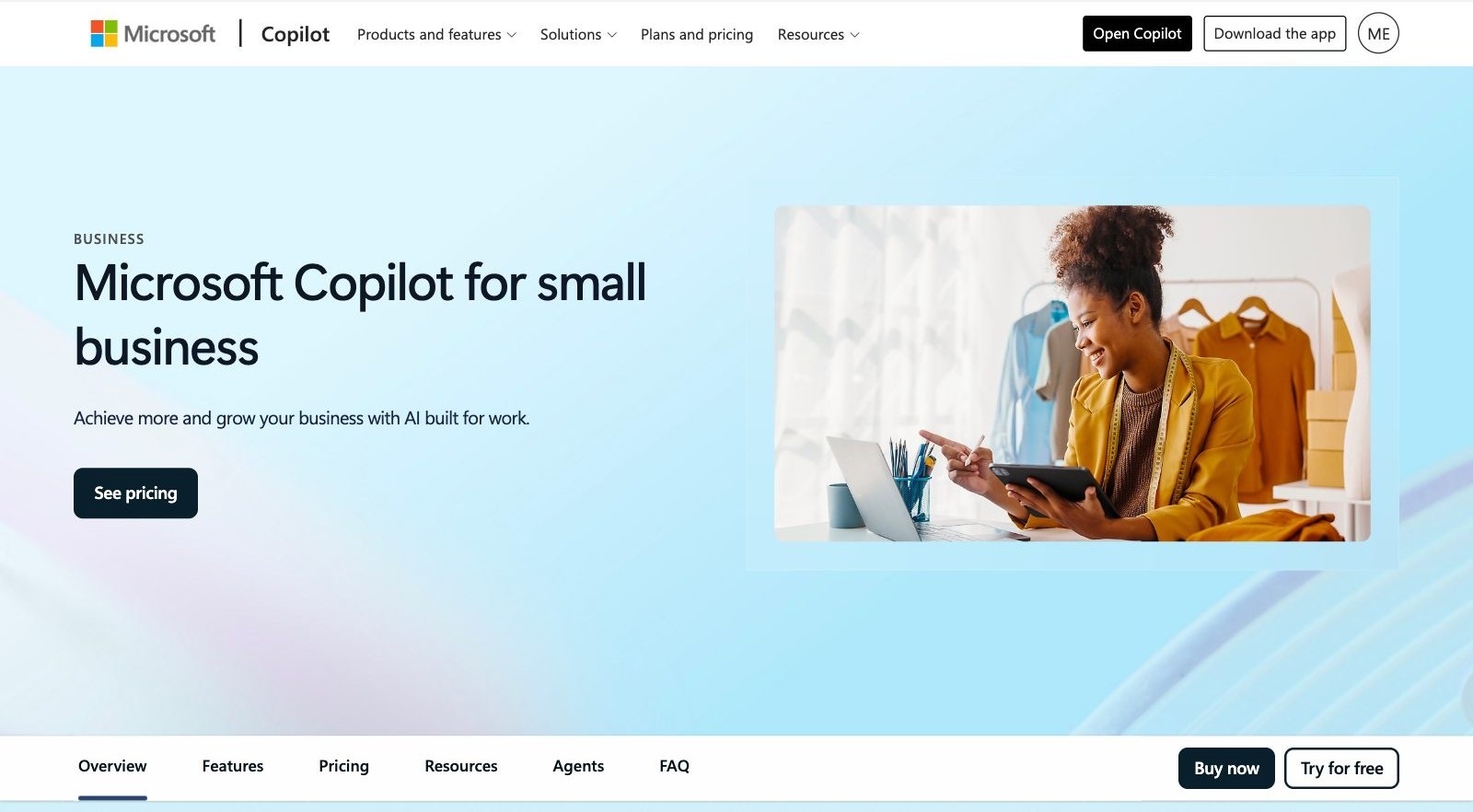
Copilot works inside Word, Excel, PowerPoint, Outlook and Teams: it recaps meetings, drafts replies and analyses spreadsheets, grounded in your work data.
- Price (checked 24 Oct 2026): Add-on €18.20 per user a month paid yearly, shown as "now starting from €15.60" on Microsoft's Irish page. Bundles: Business Standard with Copilot €20.36, Business Premium with Copilot €27.73.
- Who it fits: companies already on Microsoft 365.
- Watch out: the subscription is annual and auto-renews, and select advanced AI features bill by usage. Check the spend controls before you switch them on.
4. Gemini in Google Workspace: the AI already inside your email
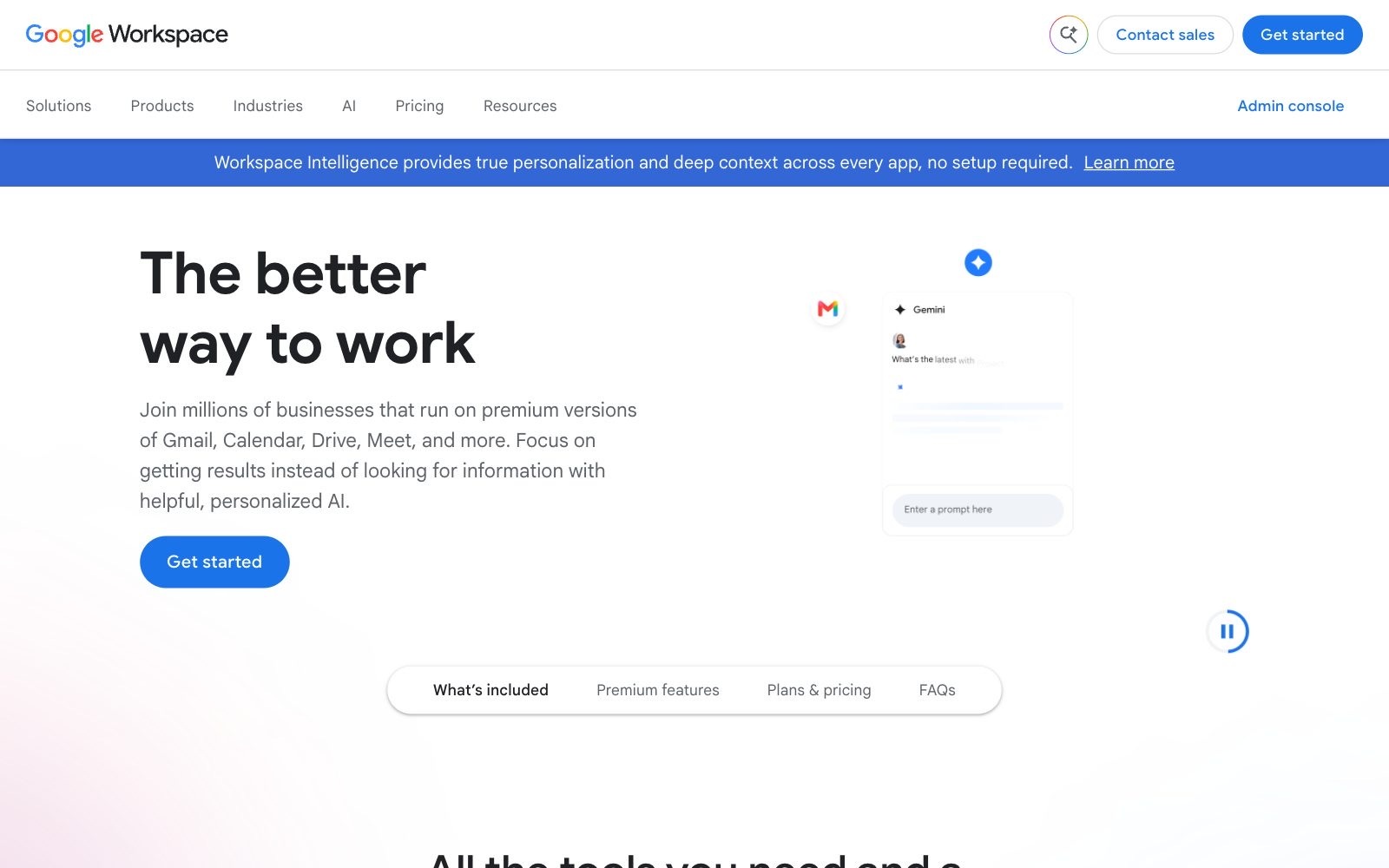
Business Starter puts Gemini in Gmail plus the Gemini chat app, and Google states that your company data is not used to train models. Business Standard adds Gemini in Docs, Meet and more, plus Gemini Notebook, Google's AI research and thinking partner.
- Price (checked 24 Oct 2026): Starter €6.80, Standard €13.60, Plus €21.10 per user a month with a one-year commitment, for up to 300 users.
- Who it fits: teams on Gmail and Google Docs. Moving from Starter to Standard costs €6.80 more per person and puts AI into the documents your team already writes.
- Watch out: Starter leaves out Gemini in Docs, Sheets and Meet. Check your plan before you buy a separate assistant for everyone.
What are the best AI tools for small business sales?
The CRM is where AI earns its seat fastest, because notes and follow-ups are exactly the work salespeople skip. Pair it with my sales outreach templates that convert and a two-person sales team is set.
5. HubSpot with Breeze: a free CRM that grows into AI agents
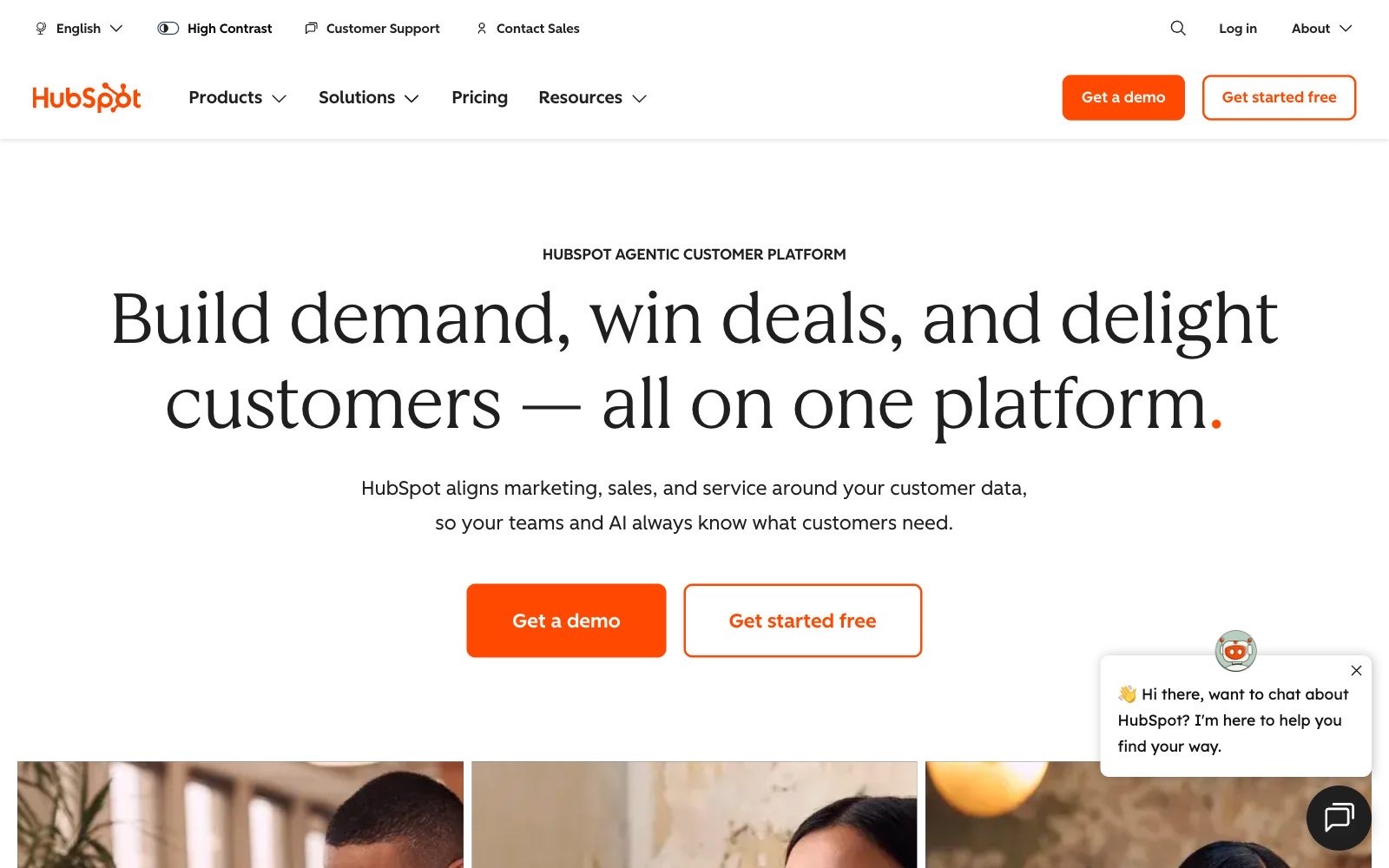
HubSpot's Free plan covers 2 users and includes Breeze Assistant, its AI helper. Starter adds AI that keeps records up to date, AI recording and transcription of meetings, and simple AI agents and automation.
- Price (checked 24 Oct 2026): Free for up to 2 users. Starter €7 per seat a month billed annually, marked as a limited-time 65% discount. Professional €90 per seat, and HubSpot's US Sales Hub page lists a required one-time setup fee of $1,500 for it.
- Who it fits: teams that run marketing and sales from one place, and founders who want to start at €0.
- Watch out: the jump to Professional. Lock in Starter while the discount runs and read what the price becomes at renewal.
6. Pipedrive: a sales CRM with AI meeting notes from €14
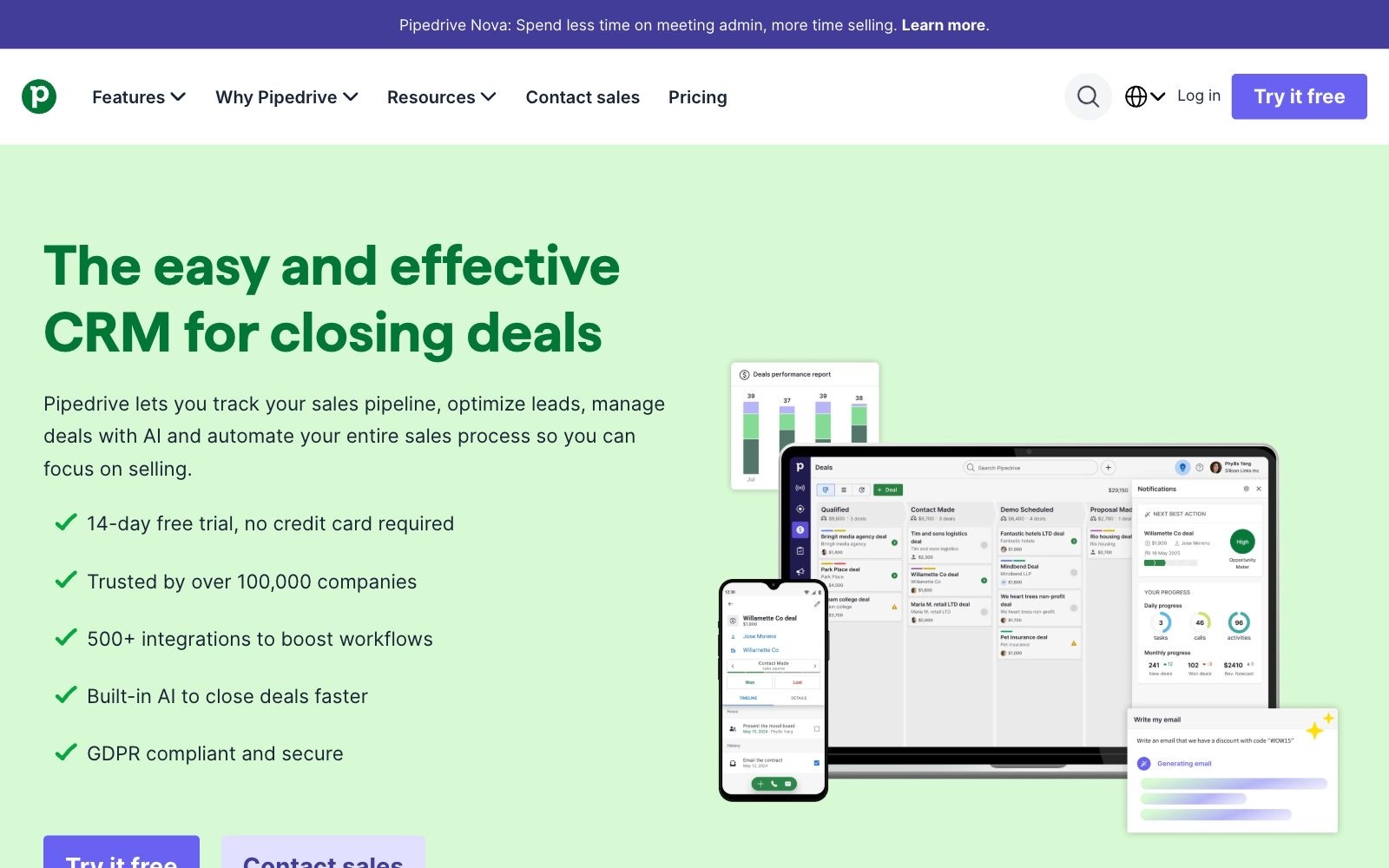
Pipedrive is a pipeline CRM built for salespeople. Even Lite includes Pipedrive Nova, which prepares a brief before every meeting, transcribes every call and suggests CRM updates for you to approve. Premium adds AI that writes, summarises and replies to emails.
- Price (checked 24 Oct 2026): Lite €14, Growth €39, Premium €59, Ultimate €79 per seat a month billed annually, VAT excluded; Pipedrive says annual billing saves up to 42%.
- Who it fits: teams of one to five sellers who close on calls and video meetings.
- Watch out: full email sync and follow-up sequences start at Growth (€39), so inbox-heavy sellers outgrow Lite fast.
Which AI tools handle customer support for a small team?
Support is where AI changed the pricing model: you pay a small fee per conversation the AI agent solves, on top of seats for your human agents. My guide on how to scale customer support from 10 to 1,000 customers covers the team side.
7. Intercom with Fin: pay only when the AI agent solves the ticket
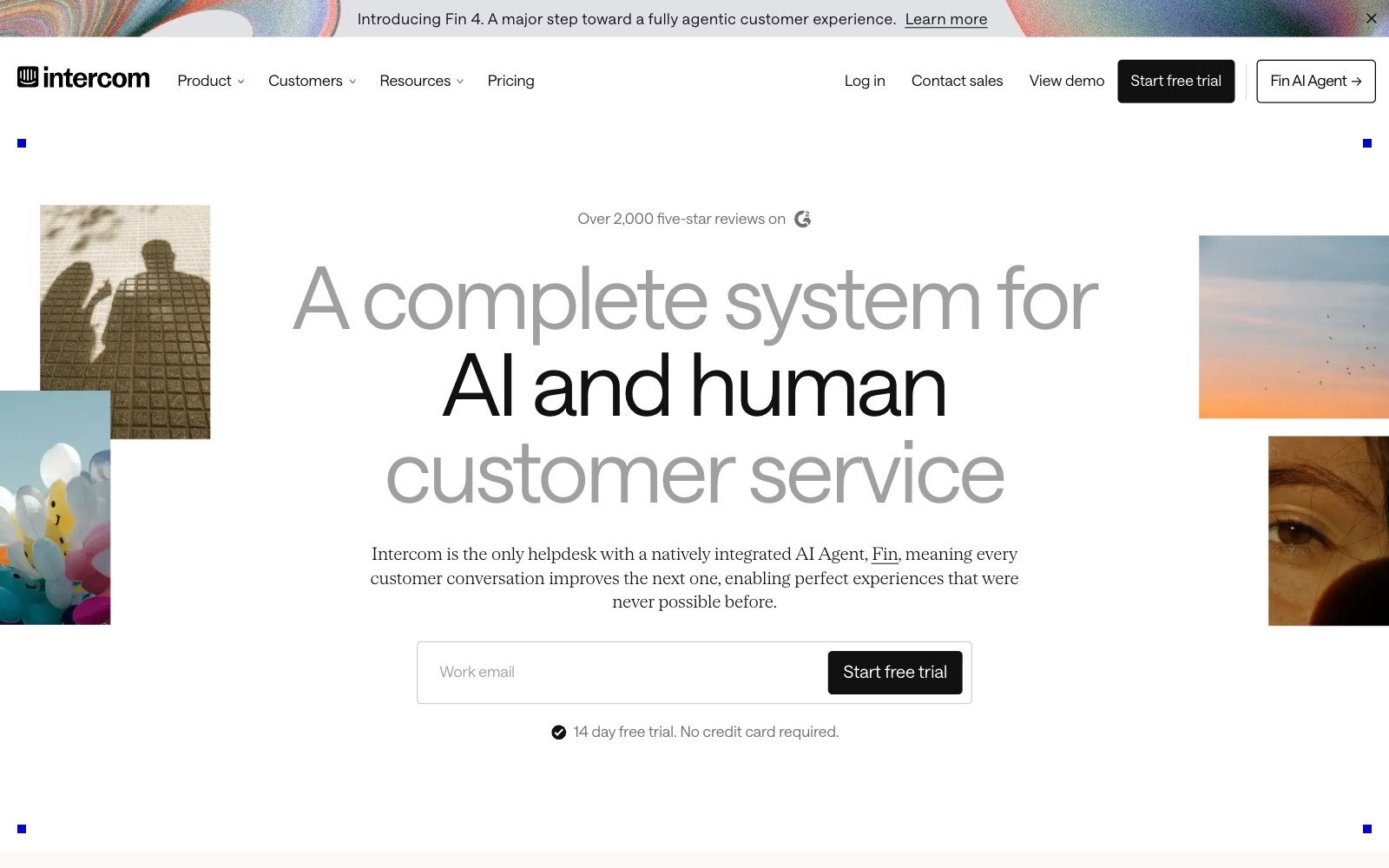
Fin is Intercom's AI agent. If Fin can't answer, fails an action, or the customer asks for a human, you pay nothing, and Intercom charges at most once per conversation. Fin also runs on top of Zendesk, Freshdesk or Salesforce.
- Price (checked 24 Oct 2026): Entry plan $29 per seat a month billed annually ($19 for new customers) plus from $0.99 per Fin outcome; Advanced $85, Expert $132. Startups with under $10 million raised and 15 or fewer employees can apply for a year of Fin and 93% off Intercom.
- Who it fits: SaaS and e-commerce teams that answer the same 20 questions every day.
- Watch out: 1,000 solved conversations a month add $990 (our calculation). Set the spending limit on day one; my piece on using AI chatbots to resolve FAQs covers the setup.
8. Zendesk: AI agents in every plan, billed per automated resolution
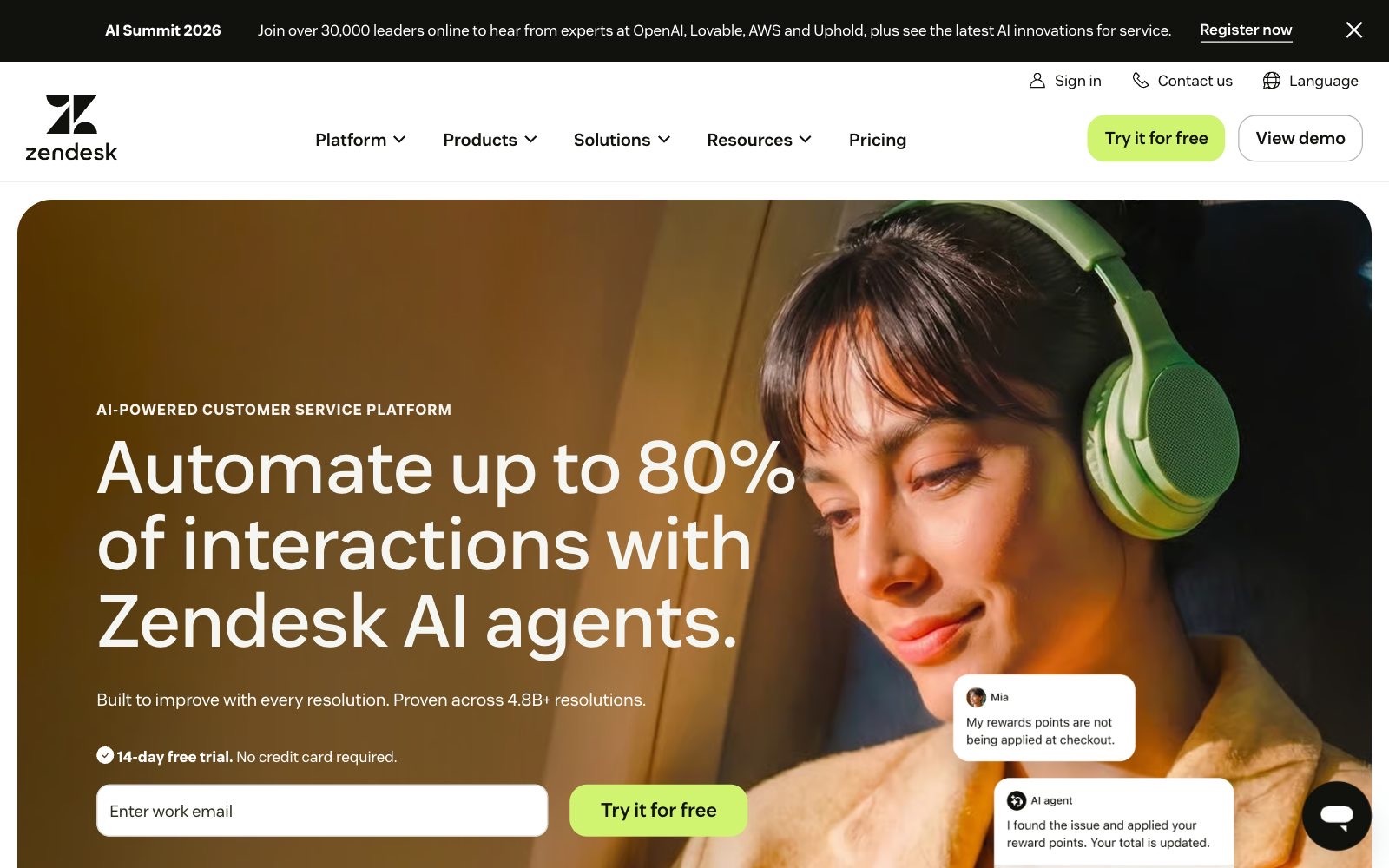
Zendesk includes AI agents in every Support and Suite plan and bills them per automated resolution, meaning questions solved without a human. Suite Team adds a knowledge base, messaging, live chat and phone.
- Price (checked 24 Oct 2026): Support Team €19, Suite Team €55, Suite Professional €115 per agent a month paid annually; Copilot for human agents is a €50 add-on. Early-stage startups can apply for a 6-month Suite trial for up to 50 agents.
- Who it fits: teams that already answer support by email and want routing now, an AI agent later.
- Watch out: Copilot nearly doubles a Suite Team seat. Start without it.
Which AI meeting assistant is worth paying for?
Check what you own first: HubSpot Starter, Pipedrive Lite and Notion Business all record or transcribe meetings. My review of AI meeting summarization tools for startup teams compares the field.
9. Fathom: free meeting notes, paid team memory
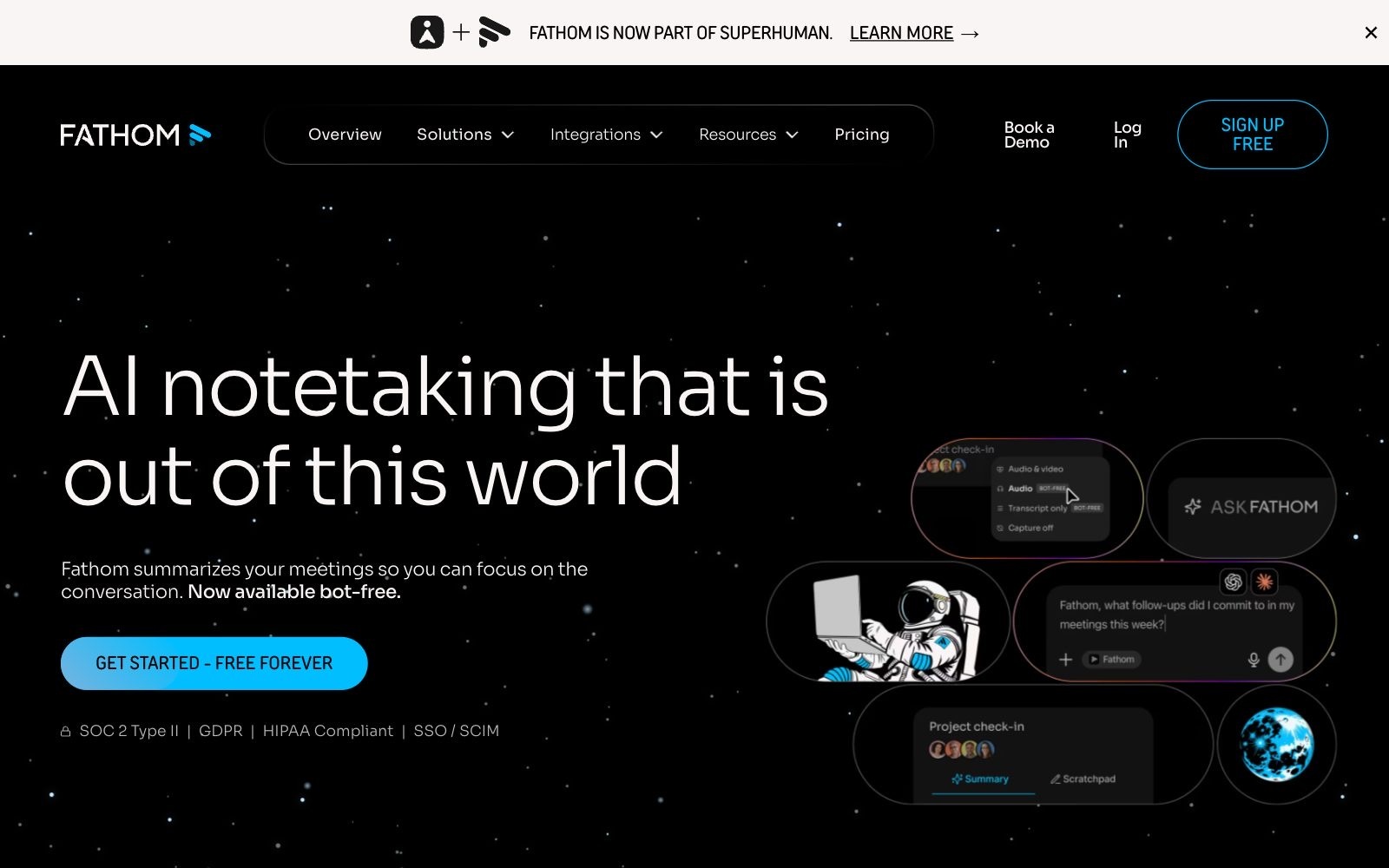
Fathom records and transcribes calls and writes instant AI summaries, free forever for individuals. Team adds search across everyone's calls and shared folders; Business syncs fields to your CRM after each meeting.
- Price (checked 24 Oct 2026): Free for individuals. Team $15 and Business $25 per user a month billed annually ($19 and $34 monthly), 2 users minimum. Rival Fireflies lists Pro at $10 and Business at $19 per seat billed annually.
- Who it fits: every team: start on free and upgrade when people want to search each other's calls.
- Watch out: a recording of a person is personal data under the GDPR. Tell people before you record; my guide to GDPR compliance for early-stage startups shows the rest.
Which AI tools cut bookkeeping time?
Small teams lose hours typing receipts. Get the bookkeeping basics for founders in place, then add AI tools for financial forecasting once the books are clean.
10. Xero with JAX: accounting with an AI finance partner
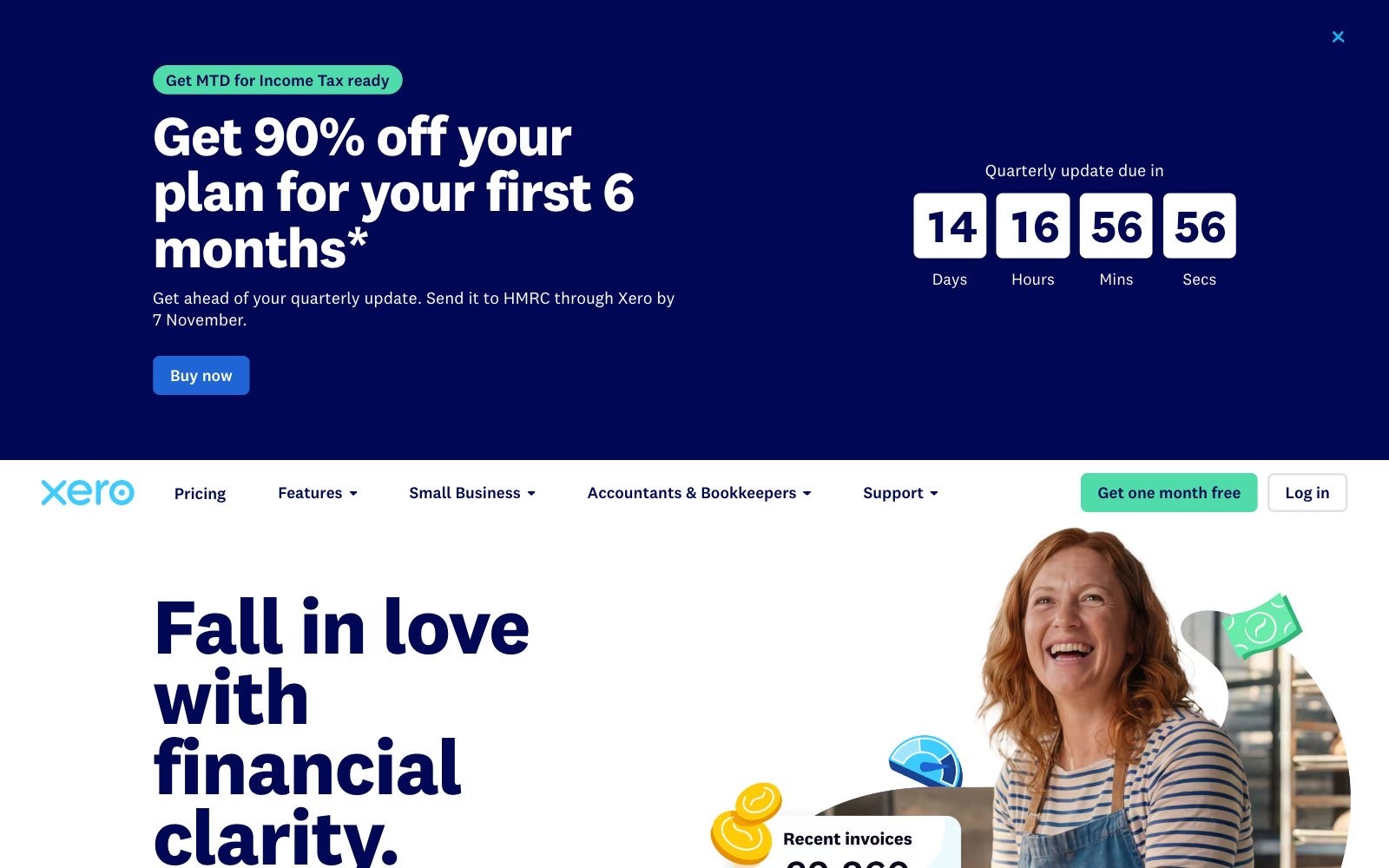
Xero charges per plan, with no per-user licence fees. Xero calls JAX its AI finance partner and says it automates data entry, bank reconciliations and getting paid; automatic reconciliation starts on Grow.
- Price (checked 24 Oct 2026): UK prices excluding VAT: Ignite £18, Grow £39, Comprehensive £55, Ultimate £70 a month, with 90% off the first 6 months on offer.
- Who it fits: UK and international teams that want their accountant in the same system.
- Watch out: Ignite caps you at 20 invoices and 10 bills. Ask your accountant whether Xero files the returns your country needs.
11. Dext: receipts and bills into the ledger without typing
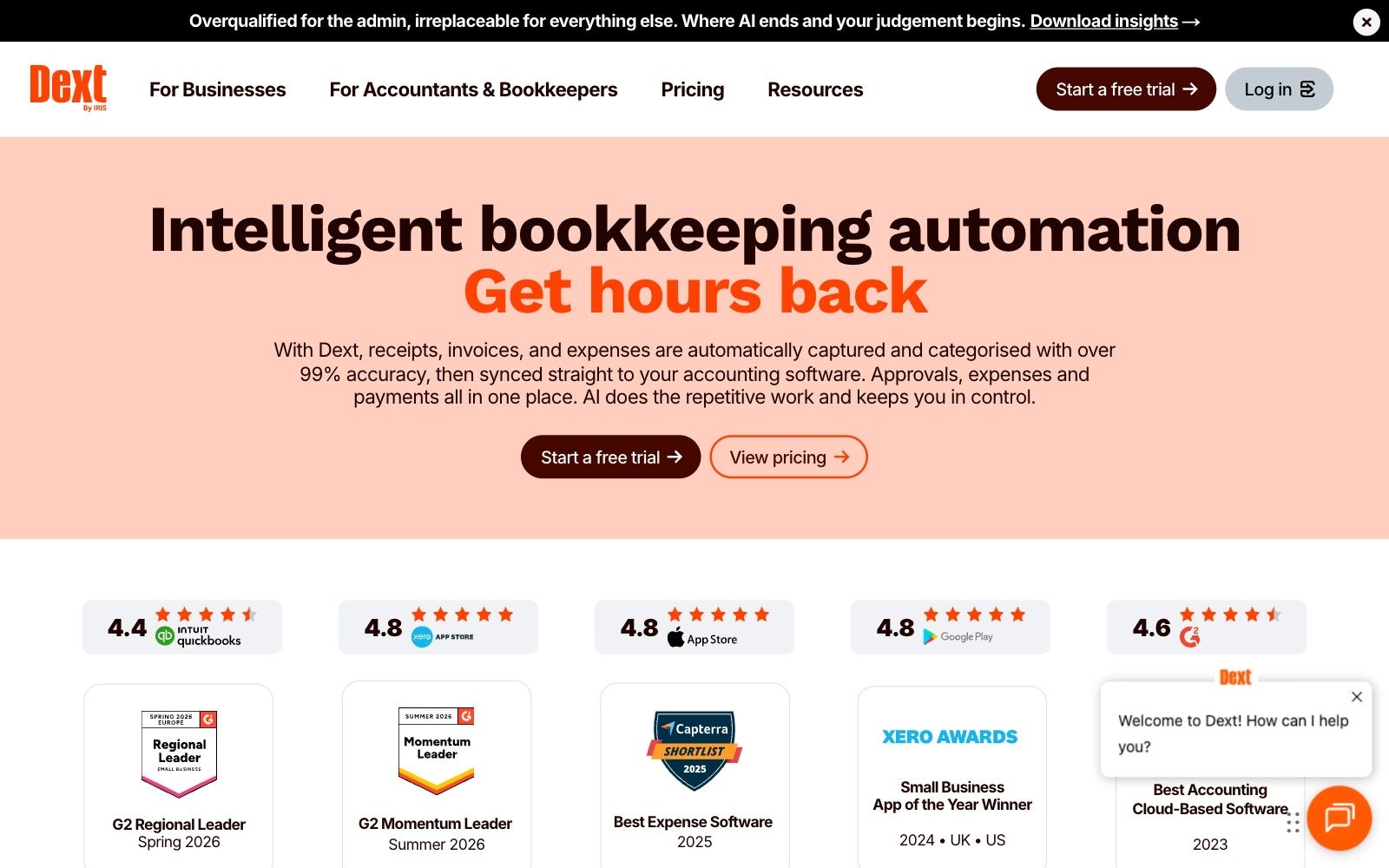
Dext Prepare reads photos and PDFs of receipts and invoices and sends the data to your accounting software already coded.
- Price (checked 24 Oct 2026): £24.17 a month billed annually (£290 a year) for 250 documents a month and 5 users in the UK; $25.21 a month elsewhere. AI Assist add-on £7.50 a month until 31 January 2027.
- Who it fits: teams with many receipts, supplier bills and card payments.
- Watch out: line items, supplier statements and bank statements are add-ons from £16.50, £16.50 and £10 a month.
Which automation tool should connect your AI tools?
Automation is the glue: a new deal creates a folder, a ticket posts in chat, an invoice lands in the books. Pick one platform and start with my list of automation workflows every startup should set up.
12. Zapier: the fastest to set up
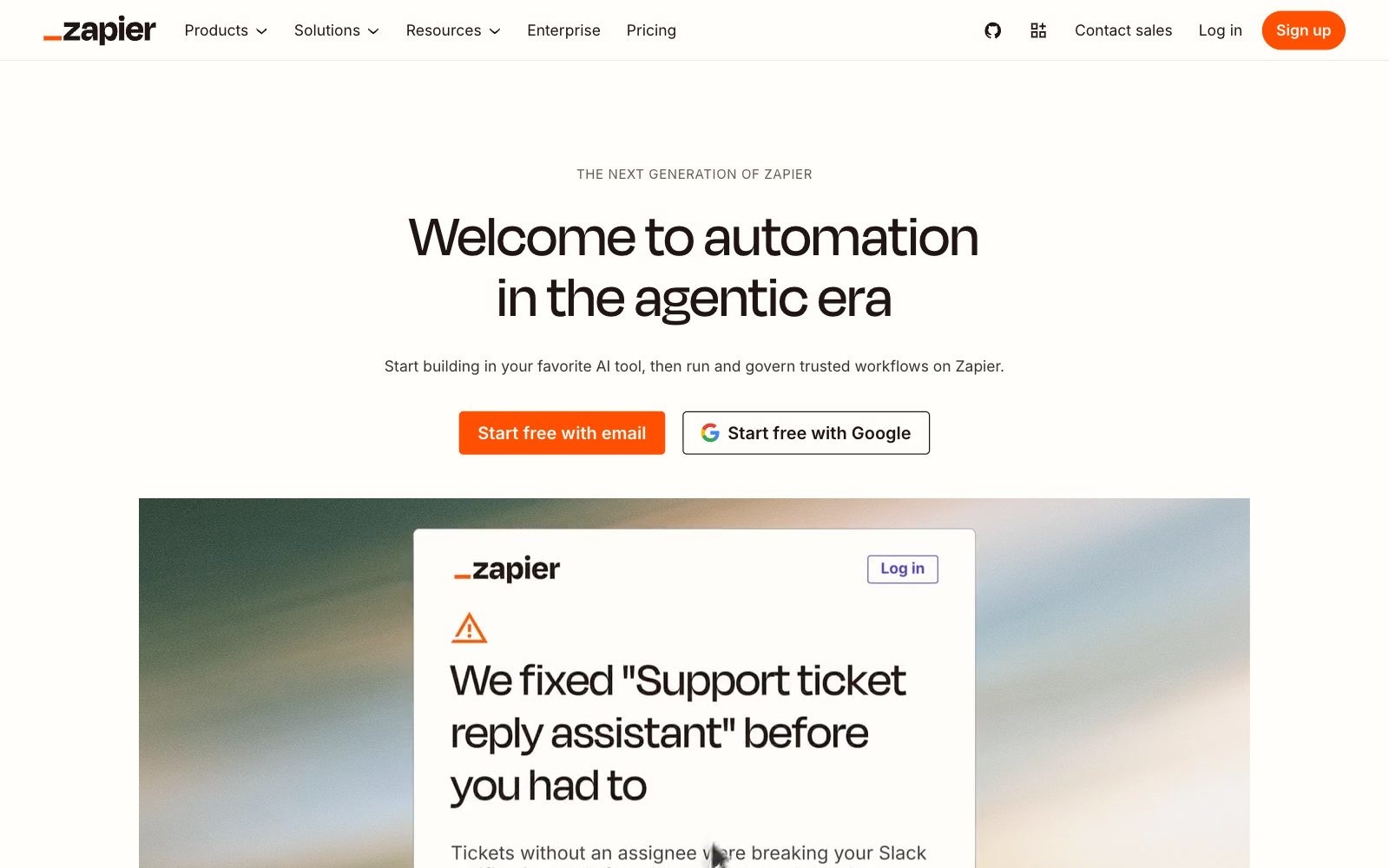
Zapier connects your apps through Zaps and bundles Tables, Forms and Zapier MCP, which lets AI assistants act in your apps. AI steps run on the same task-based pricing.
- Price (checked 24 Oct 2026): Free with 100 tasks a month. Professional from $19.99 a month and Team from $69 a month for 25 users, billed yearly (33% less than monthly).
- Who it fits: non-technical teams that want an automation running in ten minutes.
- Watch out: tasks are the meter, and a multi-step Zap with AI on every new email burns them quickly.
13. Make: more control and a cheaper run
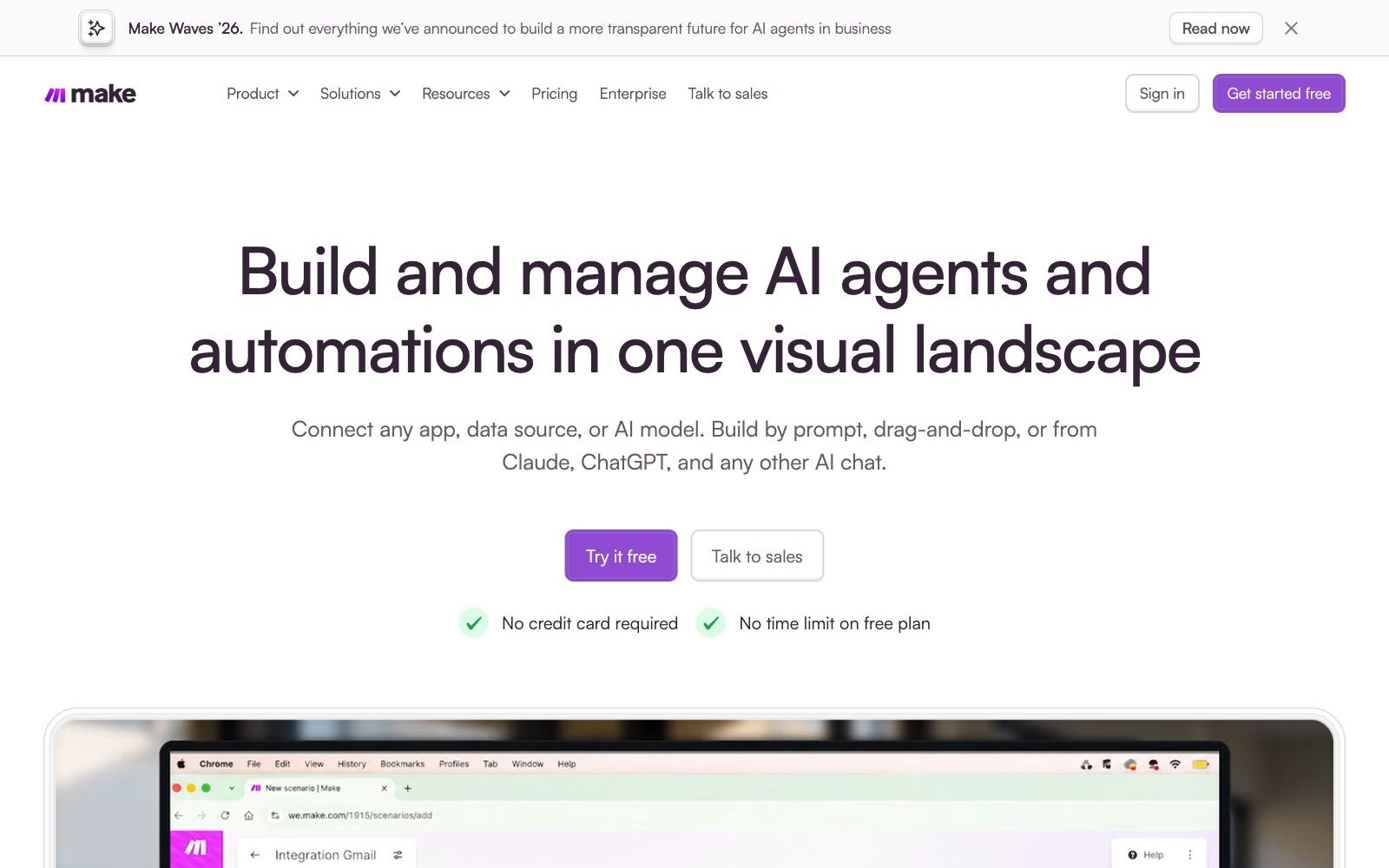
Make builds automations as visual scenarios that spend credits per action. I build the small tools on mean.ceo and Fe/male Switch with Make plus Tally forms.
- Price (checked 24 Oct 2026): Free with 1,000 credits a month. With 10,000 credits: $9, $16 (Pro) or $29 (Teams) a month on annual billing. Companies under 20 employees can apply for Make's Start-up Plan discount.
- Who it fits: teams with one person who enjoys logic, branching and webhooks.
- Watch out: credits expire at the end of the term. Buy the tier your scenarios used last month.
Where should your team's knowledge live?
Assistants answer better when processes are written down. Start with how to document processes before your first hire.
14. Notion Business: wiki, docs and an AI agent that reads them
Notion Business adds Notion Agent, Custom Agents, AI Meeting Notes and Enterprise Search (beta), plus SAML single sign-on and 1,500 Standard and 500 Select AI credits a month. Plus includes Notion AI only as a trial.
- Price (checked 24 Oct 2026): Business €19.50 per member a month billed yearly; Plus €9.50.
- Who it fits: teams that already run their wiki in Notion. See my guide to building an AI knowledge base.
- Watch out: a Business seat costs as much as an assistant seat. For a wiki alone, Plus plus one assistant is cheaper.
What does an AI tool stack cost a 5-person team per month?
Three stacks built only from the prices above: our calculation, annual billing, no VAT, foreign-currency vendors kept in their own currency.
The first €36 buys most of the value, because the assistant is the tool everyone touches daily. The full stack works out at about €97 per person a month on the euro side. For banking, payroll and contracts, see my back office stack for bootstrapped founders.
Which AI tools should a small business skip?
- Two general assistants for the same person. Pick one for the team and let one curious person test the other.
- Meeting notes paid twice. HubSpot Starter, Pipedrive Lite, Notion Business and Fathom all record meetings. Keep one.
- Premium seats for everyone. Five ChatGPT Premium seats cost €525 a month against €105 for five standard seats.
- Annual contracts in month one. Start monthly where you can (ChatGPT Business €26, Claude Team €21.04) and go annual only for seats used every week.
- An AI support agent with nothing to read. Write your top 20 help articles first.
- Personal accounts holding company data. OpenAI, Anthropic and Google state that their business plans keep your data out of training by default. My guide to choosing GDPR-compliant AI tools lists what else to check.
- Tools without a public price page. When the price lives behind a sales call, the sales call is part of the price.
How do you roll out AI tools in a small team in 30 days?
Thirty days is enough to buy, test and cut. Let's break it down:
- Days 1 to 5: time the work. Everyone notes which tasks eat their hours for one week.
- Days 6 to 8: buy one assistant for everyone, standard seats, monthly billing.
- Days 9 to 10: write a one-page AI policy: approved tools, data that never goes in (passwords, health data, customer files you have no right to share) and who owns each account.
- Days 11 to 20: add one job tool for the job with the most hours: CRM, support or bookkeeping. One tool, one owner.
- Days 21 to 25: automate what already works by hand with Make or Zapier.
- Days 26 to 30: measure and cut. Count hours saved per seat, cancel unused seats and move the survivors to annual billing. My method to check whether an AI tool pays for itself gives you the sheet.
Building something new next to your day job?
If your small business needs a second product line or you are still choosing what to start, the free MeanCEO Business Idea Generator asks eight quick questions about your skills, budget and time and writes five ideas for you in about two minutes, with no sign-up.
👉 Try the Business Idea Generator
What should a small business buy first?
AI tools for small business reward a narrow start. Buy one assistant for the whole team this week, add one job tool next month, automate only what works by hand and cancel any seat nobody opens weekly.
My prediction for 2027: assistant seats get cheaper and the money moves to per-outcome pricing like Fin's $0.99 and Zendesk's automated resolutions. Teams that know their cost per solved ticket and per filed receipt will buy AI on price. For more time savers, see my list of AI tools that save bootstrapped startups 10+ hours a week.
FAQ: AI tools for small business
What are the best AI tools for small business in 2026?
By job: ChatGPT Business or Claude Team as the assistant, HubSpot or Pipedrive for sales, Intercom Fin or Zendesk for support, Fathom for meetings, Xero and Dext for bookkeeping, Make or Zapier for automation and Notion for team knowledge.
How much do AI tools cost a small business per month?
An assistant costs €13.60 to €21 per person a month on annual billing. By our calculation, a 5-person team starts at €36 a month, and a full stack costs about €484 plus $66 and £63, excluding VAT.
Is ChatGPT Business or Claude Team better for a small team?
They cost about the same: €21 versus €18 per standard seat a month billed annually. ChatGPT Business suits mixed teams; Claude Team suits teams that write long documents or include a developer. Test both on monthly billing.
Are there free AI tools for small business?
Yes: HubSpot's Free CRM for 2 users with Breeze Assistant, Fathom for individuals, 1,000 free Make credits and 100 free Zapier tasks a month. For marketing posts, see my review of AI tools for social media management.
Do business AI plans train on my company data?
OpenAI says ChatGPT Business doesn't train on business data by default, Anthropic says the same for Claude Team, and Google says Workspace company data is not used to train models. Check the admin settings anyway.
What is the best AI CRM for a small business?
HubSpot if you want to start free and add marketing later; Pipedrive if you sell on calls, because its €14 Lite plan includes Nova meeting briefs, transcripts and suggested CRM updates.
Can AI answer customer support emails for a small business?
Yes. Intercom's Fin costs from $0.99 per solved conversation and nothing when a customer asks for a human; Zendesk includes AI agents in every plan and bills per automated resolution.
Which AI tool helps a small business with bookkeeping?
Dext captures receipts and bills and sends them coded to your accounting software, from £24.17 a month for 5 users in the UK. Xero's JAX automates data entry and bank reconciliation, with automatic reconciliation from the £39 Grow plan.
About the Author
Violetta Bonenkamp, also known as MeanCEO, is an experienced startup founder with an impressive educational background including an MBA and four other higher education degrees. She has over 20 years of work experience across multiple countries, including 5 years as a solopreneur and serial entrepreneur. Throughout her startup experience she has applied for multiple startup grants at the EU level, in the Netherlands and Malta, and her startups received quite a few of those. She’s been living, studying and working in many countries around the globe and her extensive multicultural experience has influenced her immensely.
